
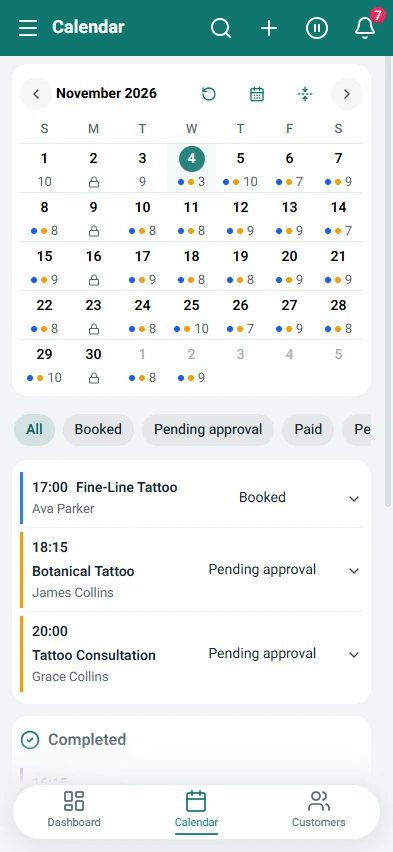
Appointment scheduling and calendar
Offer only valid times based on service duration, working hours, breaks, time off and blocked periods, then manage every appointment from one clear calendar.
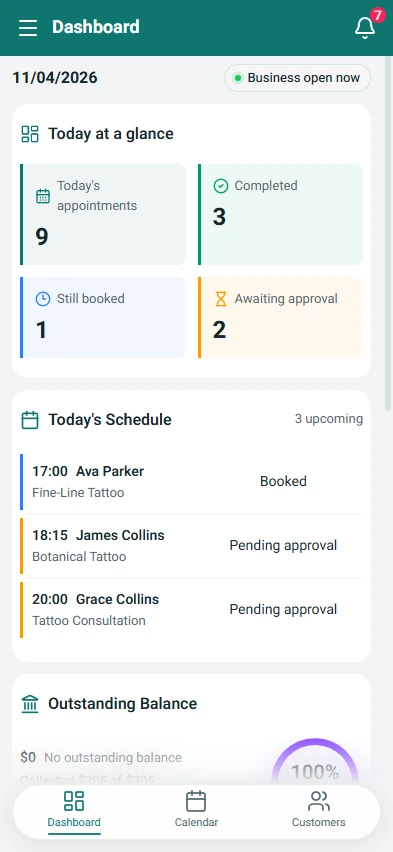
1 / 4Dashboard
Continue on your phone

Manage appointments, clients, services, forms, inventory, finances and insights securely from the Web or the official mobile apps.
Or continue with the official mobile app
Offer only valid times based on service duration, working hours, breaks, time off and blocked periods, then manage every appointment from one clear calendar.
Keep customer details, future appointments, visit history and payment status together so the business has the relevant context before every service.
Create a reusable form once, assign it to several services and collect required answers, downloadable documents or completed files as part of the booking flow.
Track products, stock movements, suppliers, low-stock levels and expected material usage based on the services already scheduled in the calendar.
Record full or partial payments, follow outstanding balances and manage paid, planned or recurring expenses. Your records feed revenue and estimated profitability reports.
Compare booked and available hours, recorded payments, material costs and expenses. Follow trends and monthly goals in your reports.
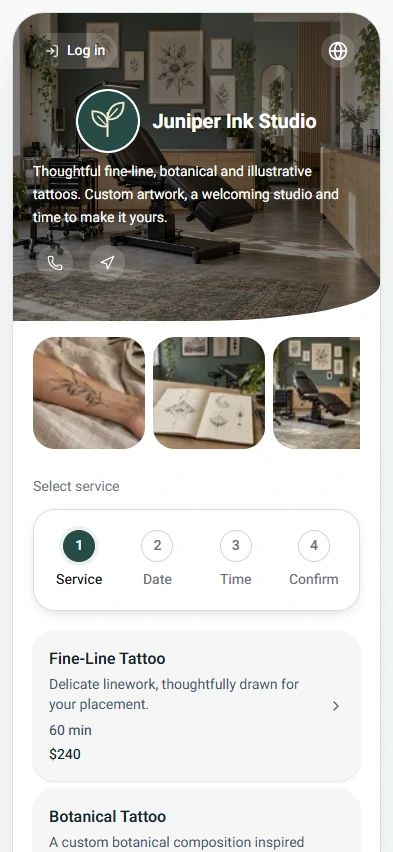
Booking an appointment? Use the link sent by the business - no app is required.
Explore Progrr
Manage appointments, clients, services, forms, inventory, finances and insights securely from the Web or the official mobile apps.
Appointments, customers, services and business hours, forms and documents, inventory and payment records - in one place.
No. Customers open your booking link in their browser, choose a service and an available time, and complete the booking there.
Sign up, set up your services and business hours, and share your booking link with customers.
No. Progrr does not process customer payments. You can record money already received outside the system and track payments and balances.
Open a support ticket in the system. Each in-system ticket gets a tracking number, and you can continue the conversation there. The public support page also offers email contact.